Count lights and accessories separately on a Hue Bridge
Count Hue lights and accessories in separate columns so a spare light allowance does not hide an accessory limit.
Updated:
Use two capacity columns from the beginning
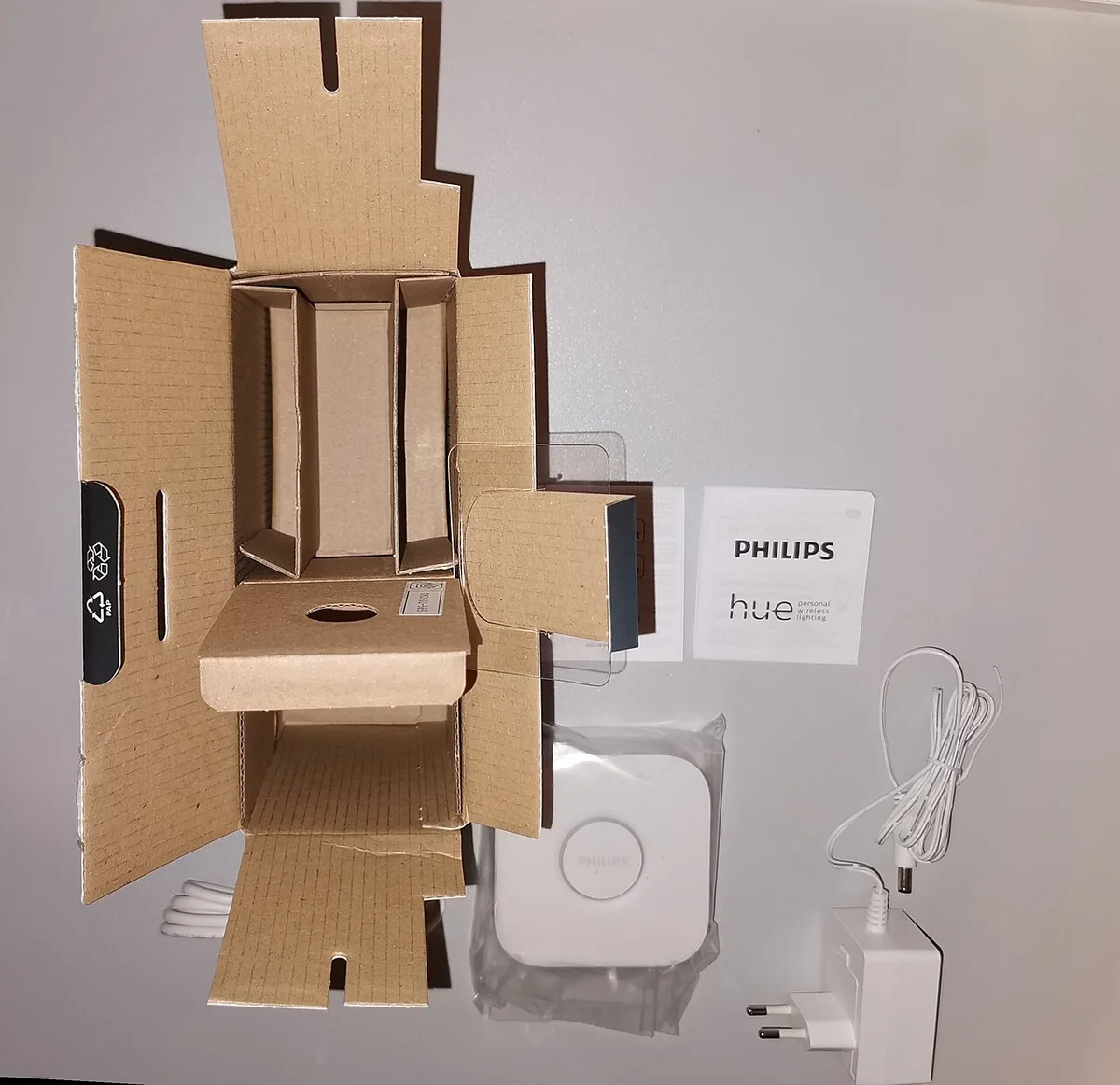
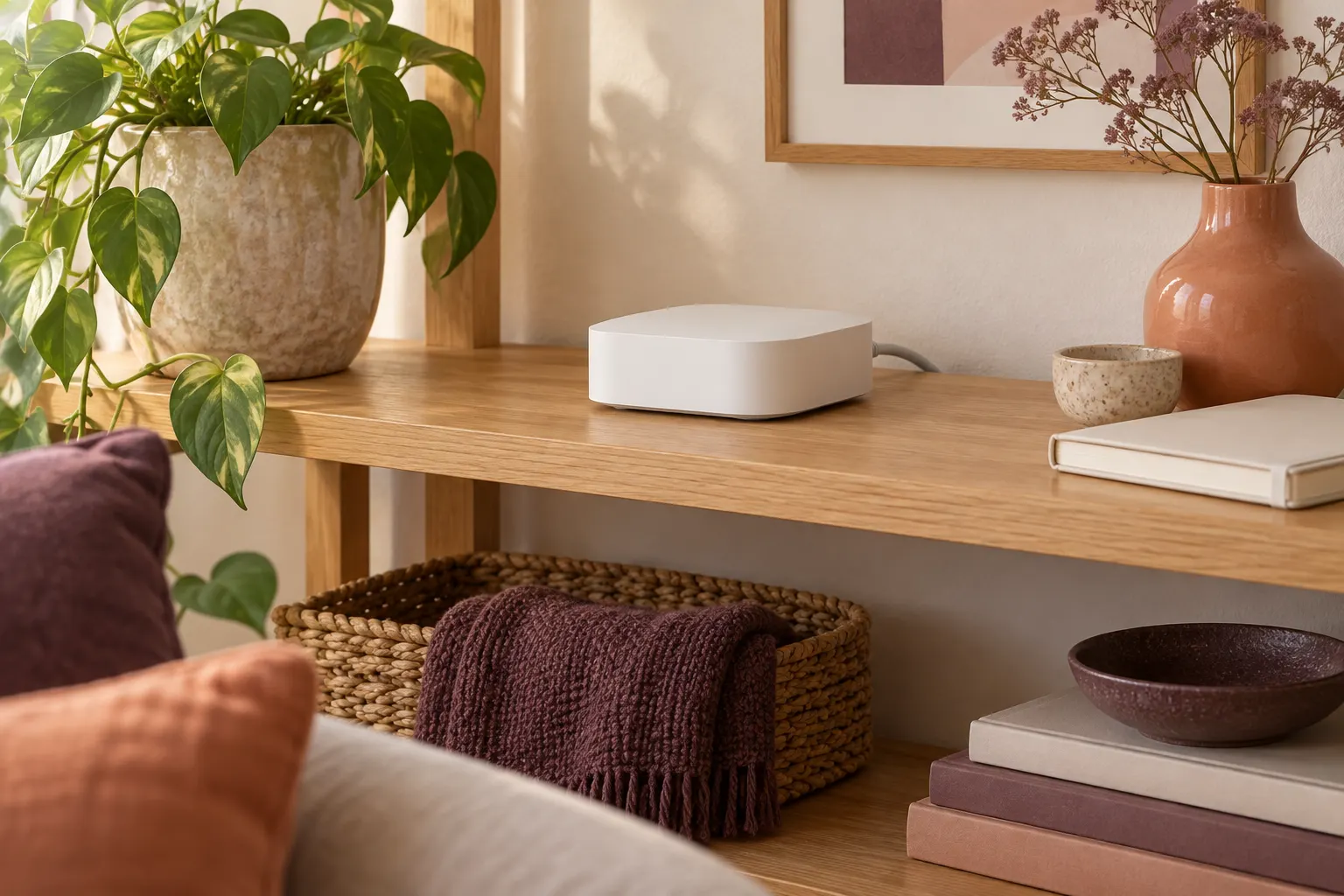
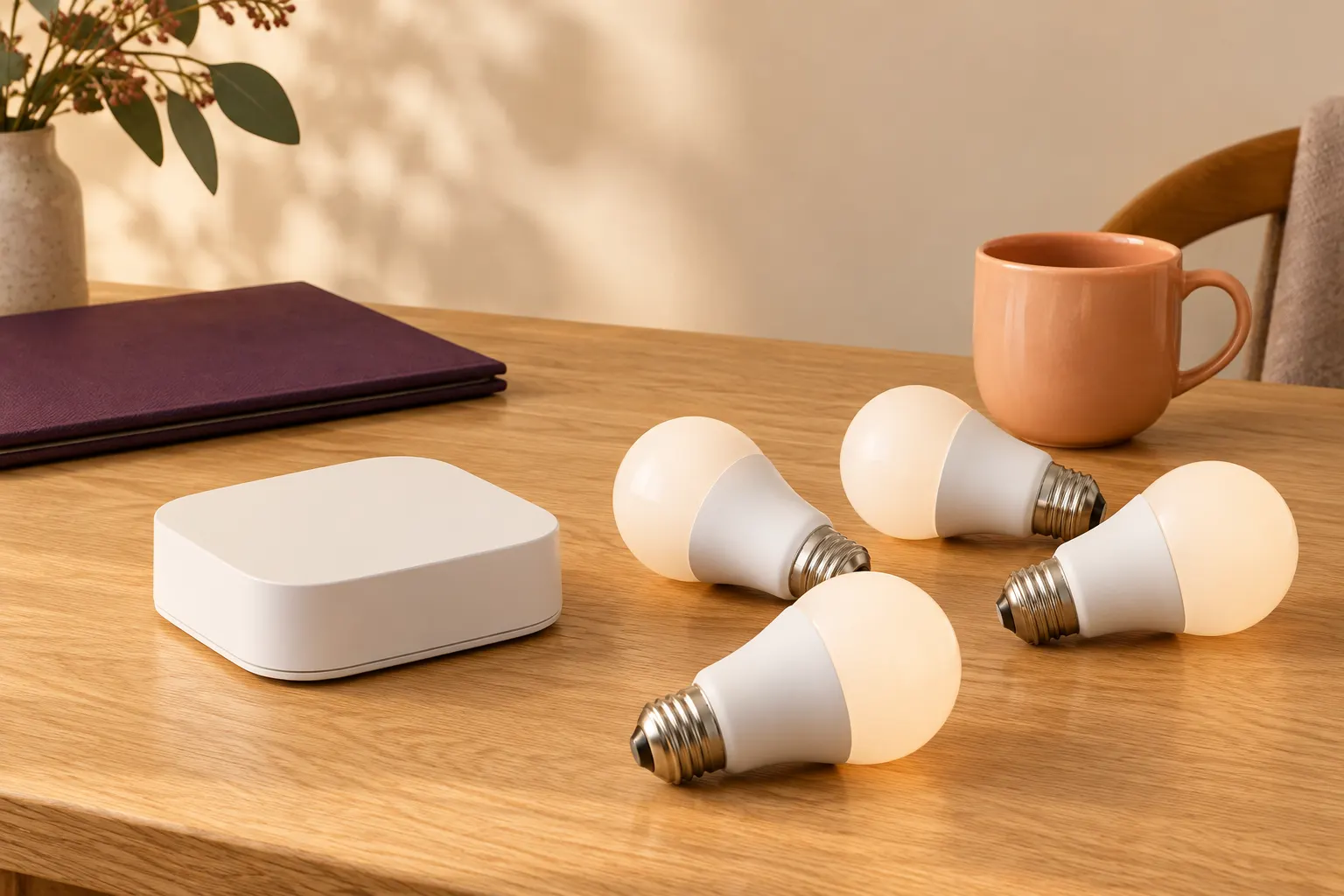
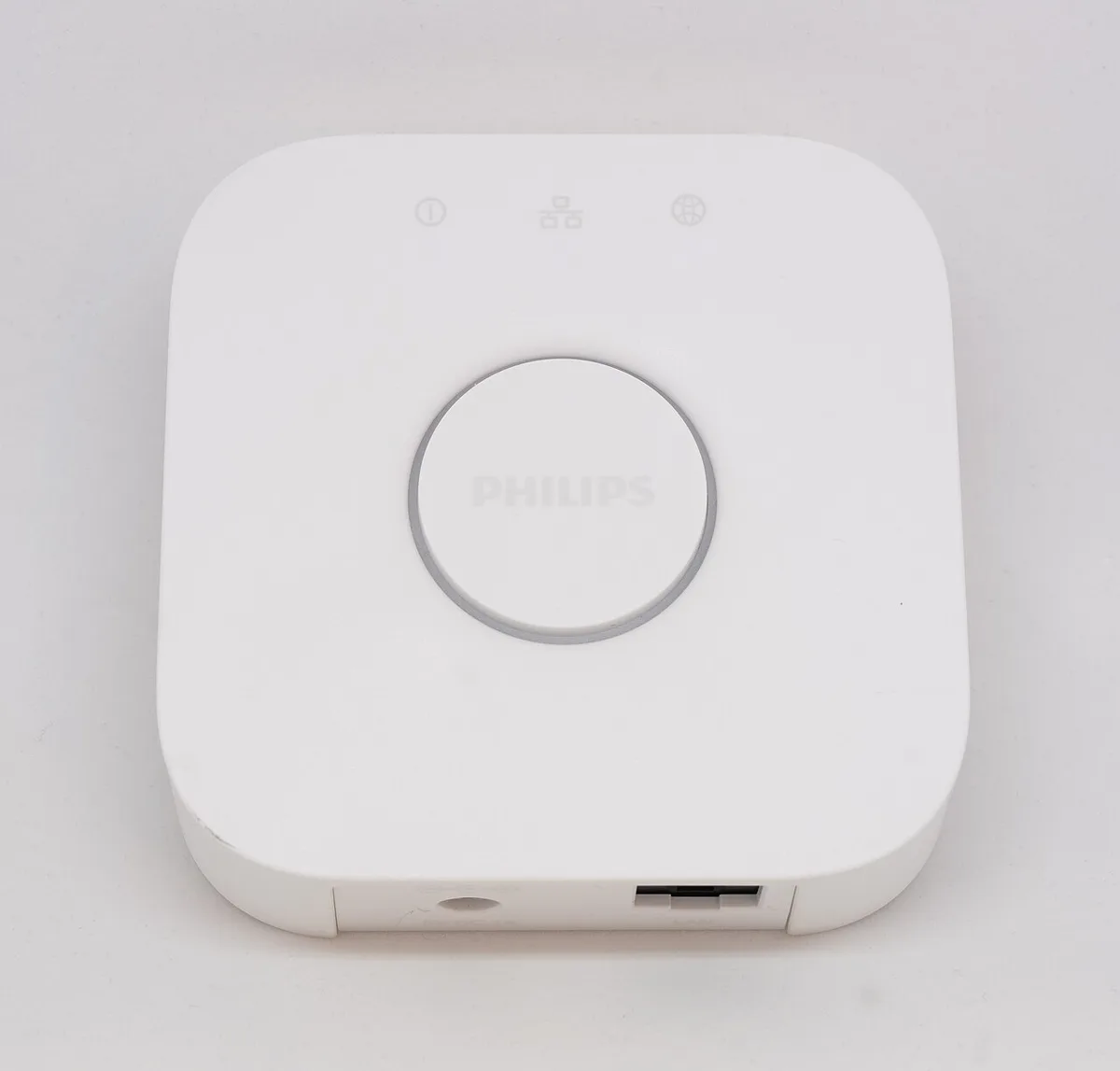
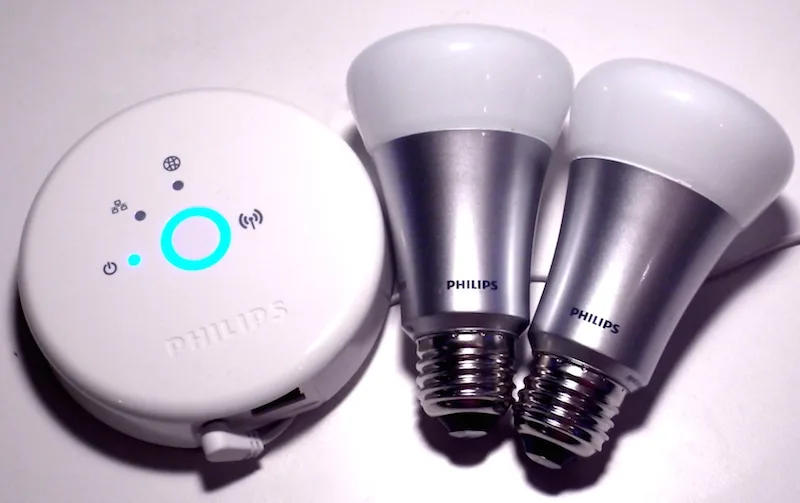
For the documented standard Hue Bridge, the Australian product page lists support for 50 lights and 12 accessories. Those are separate categories, so unused light capacity does not create more accessory places. Start a room inventory with one column for lights and another for supported accessories. Keep exact models beside both counts because fitting within a numerical limit does not establish compatibility. The bridge photograph identifies the sort of physical hub being discussed, but its age and appearance do not prove a particular capacity or current software state. The cited model documentation supplies those claims.
Hue AU Bridge 8719514342569 ? Hue Bridge versus Bridge Pro AU guide ?
Find the category that is filling first
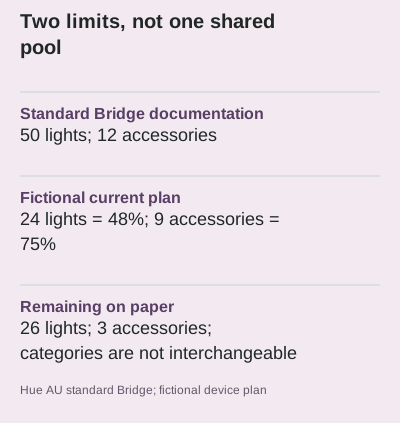
Consider a fictional plan containing 24 lights and 9 accessories. Against the documented figures, light use is 24 ÷ 50 = 48%, while accessory use is 9 ÷ 12 = 75%. The plan has 26 light places and 3 accessory places left on paper. The accessory column is therefore closer to its stated limit, even though the total number of devices may look modest. This arithmetic is a planning comparison, not a performance test. Keep both remaining counts visible instead of collapsing them into one percentage that conceals the constrained category.
Check the next addition in its own column
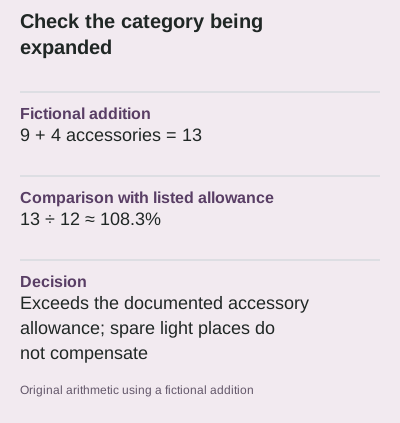
If the same fictional plan adds 4 accessories, its accessory count becomes 13. That is one above the documented 12, or approximately 108.3% of the listed allowance. Spare light places do not fix this mismatch. Do not assume an undocumented technical maximum is a supported design target. Similarly, do not remove a device from the inventory merely because it is used infrequently. Record what is actually associated with the system and distinguish a confirmed removal from an item that is only switched off. The next purchase should follow a supported system plan, not a hopeful combined total.
Keep the Bridge Pro comparison model-specific
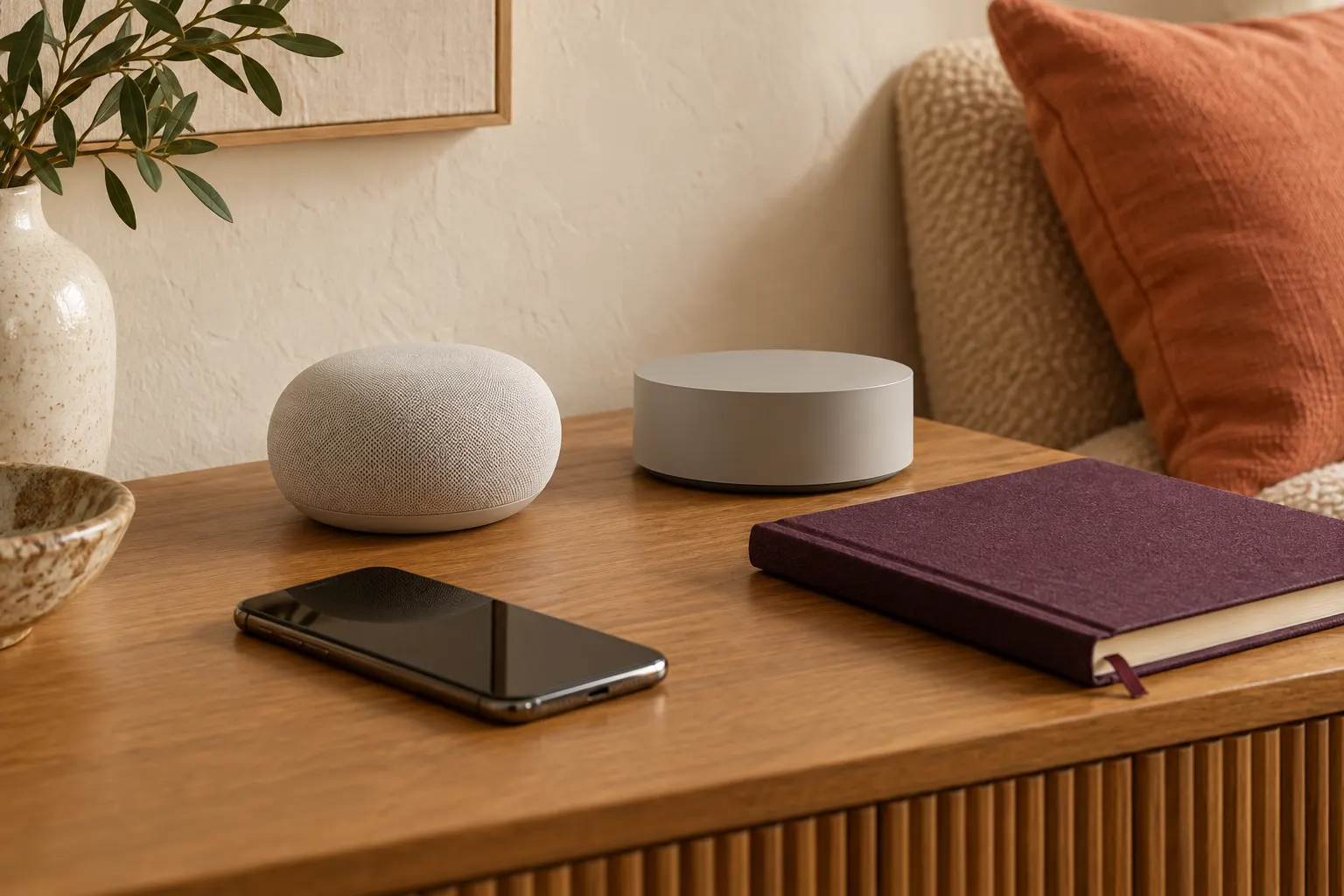
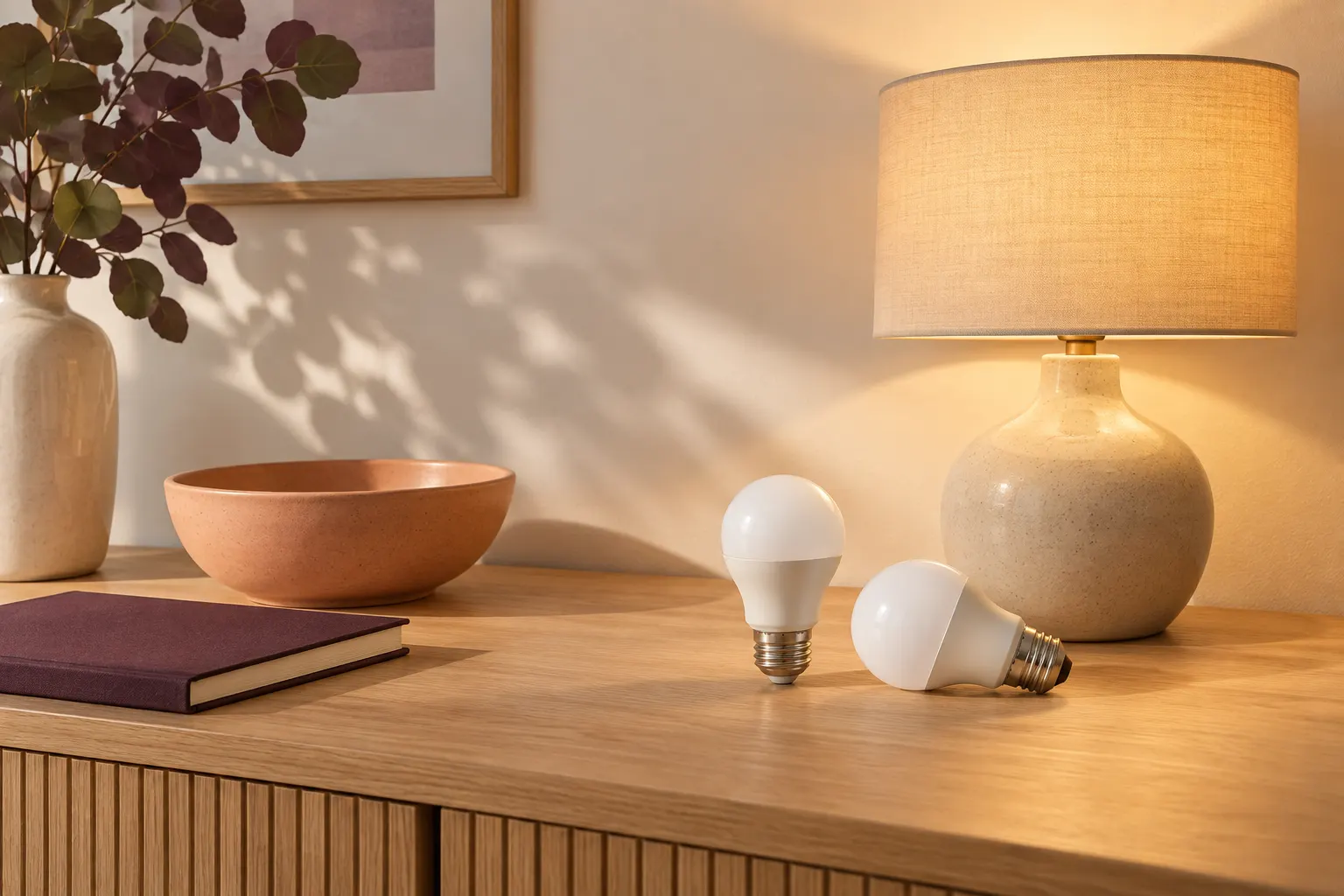
Philips' Australian comparison guide describes the Bridge Pro as supporting 150+ lights and 50+ accessories. The plus signs are part of the manufacturer's description, not permission to treat capacity as unlimited. A change of bridge can also involve different connection and migration requirements, so the larger numbers do not settle the whole decision. The historical round bridge and old bulbs pictured here are deliberately identified as archival equipment. They illustrate why a familiar brand name is not enough to transfer the standard Bridge or Pro specifications to every earlier generation.
Save the inventory with its assumptions
Keep the model document, date checked, room list and pending additions together. A count cannot guarantee wireless coverage, responsiveness or that every intended automation is supported. Those questions need their own evidence and practical verification. The unpacked archive photograph also shows why accessories such as cables, power adapters and instructions require a separate package check; its European adapter is not an Australian purchase recommendation. Once each column and unresolved requirement is visible, you can compare supported options without inventing a capacity promise or treating an old product photograph as proof of what a current box contains.
Open official model documentation ? Open official model documentation ?