Record the controller and radio requirements separately
For a Matter-enabled Eve Energy, record the controller, Thread border router and Australian device variant as separate purchase requirements.
Updated:
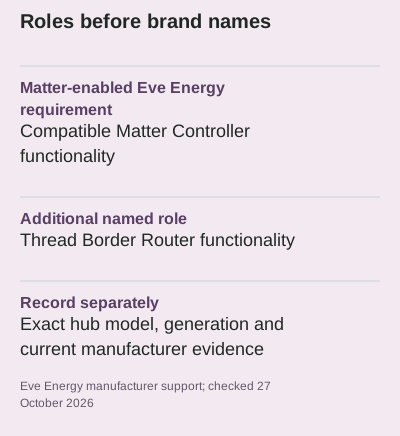
Write down both required roles
Eve's support documentation says its Matter-enabled Energy device needs a compatible hub providing Matter Controller and Thread Border Router functionality. These are two roles in the requirements, even when a supported product provides both. A shopper should not replace that sentence with the vague claim that any smart speaker or any hub will do. Start with the exact accessory generation and the hub's documented functions. This guide explains how to organise that evidence; it does not claim to have paired the devices or tested a particular household network.
Eve Energy AU entry in global support document ? Hue AU Bridge 8719514342569 ?
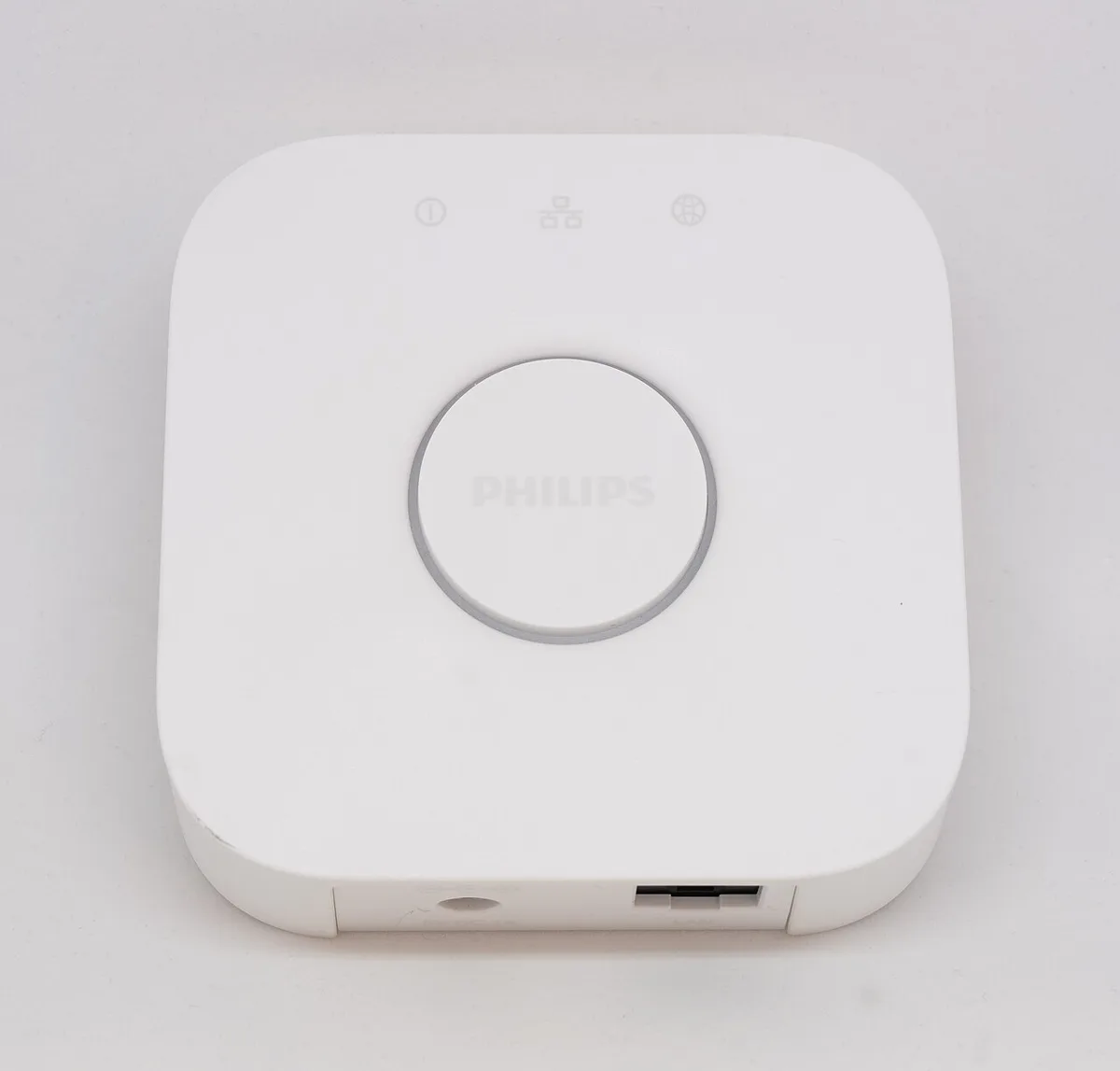
A familiar bridge name does not establish the role
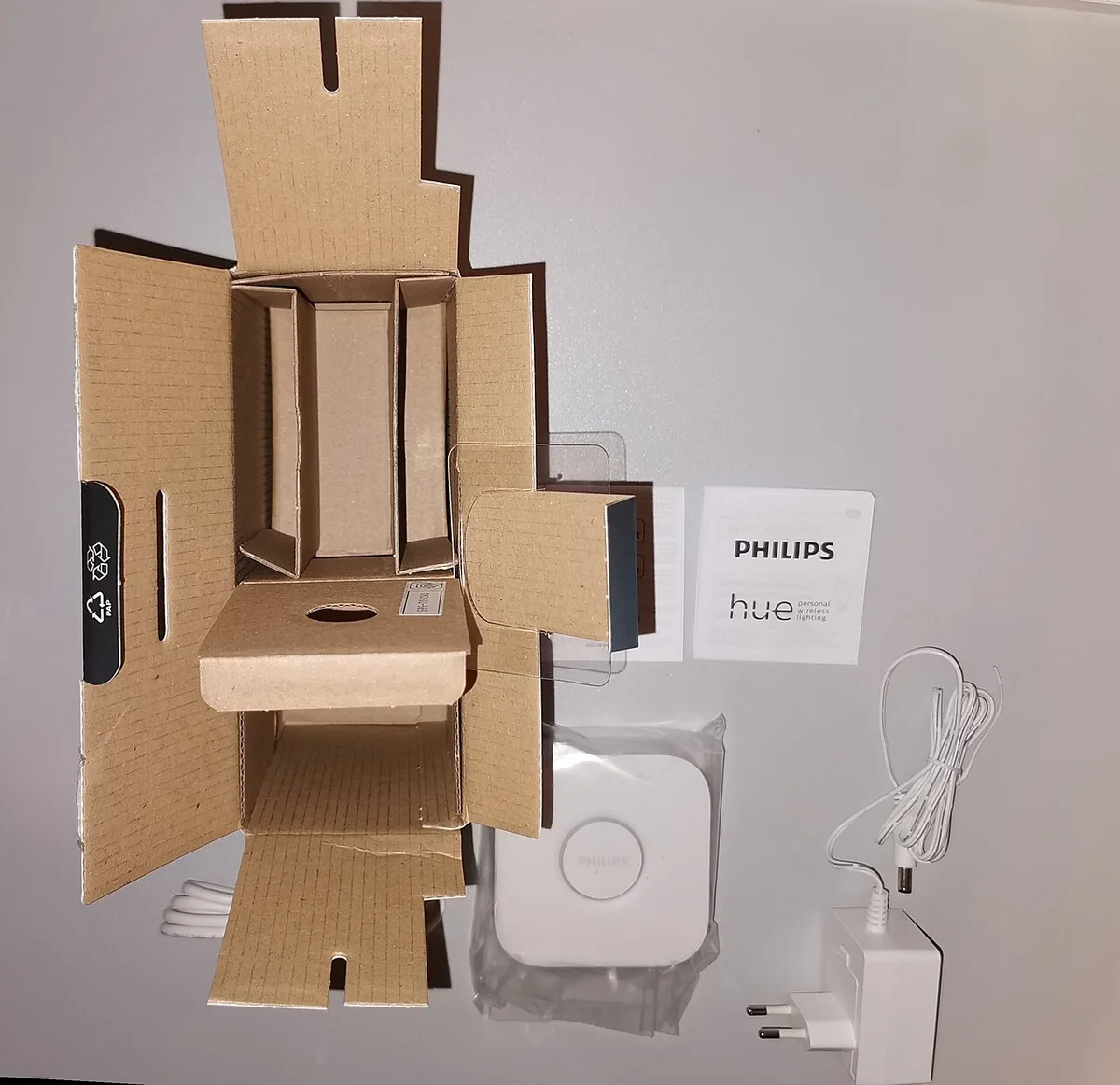
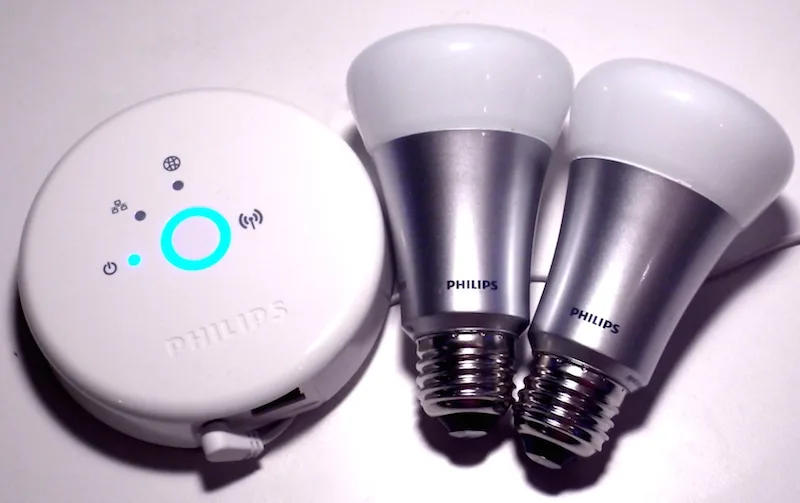
Philips' standard Hue Bridge documentation describes Matter functionality via the Hue Bridge. That statement is about its own supported integration; it is not evidence that the device supplies every role needed by an unrelated Thread accessory. The archived bridge photograph shows a recognisable hub body, but neither its shape nor its Ethernet port proves Thread Border Router capability. Put the actual supported role and source beside each candidate. If the source does not state the needed function for the exact generation, mark it unresolved instead of treating a broad compatibility logo as a complete system design.
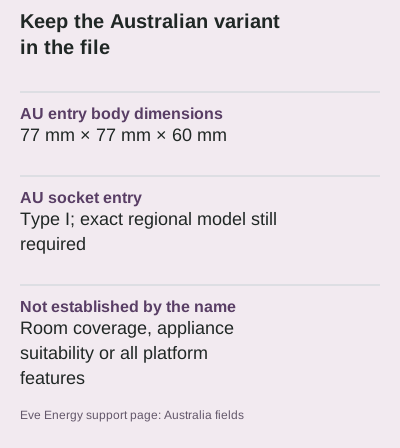
Keep the regional accessory separate from the network checklist
Eve's support page contains country-specific entries, including Australian dimensions of 77 mm by 77 mm by 60 mm and Type I socket compatibility. Those details help identify the regional product being compared. They do not prove that a nearby socket has enough usable space, that an appliance is suitable for remote switching or that the chosen controller supports every desired feature. Do not copy dimensions, load ratings or plug drawings from another country's entry simply because the product name is the same. The network requirements and physical purchase requirements should remain separate fields in the record.
Distinguish existing equipment from a proposed addition
Make one list of equipment already owned and another of proposed purchases. For each, record model, generation, relevant software information and the manufacturer's current compatibility reference. A photograph or remembered brand name is not enough for the existing list. The first-generation Hue kit pictured here illustrates how products within one brand can look and behave differently across generations; it is not a suggested shortcut to a current Matter setup. Also note which app and account arrangements the exact supported path requires, without inventing an offline or privacy guarantee from the radio name alone.
Turn unknowns into a concrete purchase question
A useful final record names the accessory, the controller role, the border-router role and the evidence connecting them. It then lists the regional package and physical requirements separately. The archival unpacking photograph contains a European adapter, which is precisely why a generic box image cannot confirm an Australian purchase. Ask the seller or manufacturer about the unresolved model-specific item rather than asking only whether everything is smart-home compatible. Once the exact requirements are documented, follow the current manufacturer setup instructions. A completed checklist reduces ambiguity; it still does not certify security, range or every automation you might later create.
Open official model documentation ? Open official model documentation ?